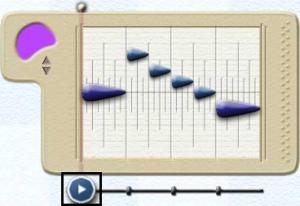
To play back the contents of
a Melody Window, first select the desired Melody Window using the Arrow
Tool.
You will see the play bar appear at the bottom of the motive.
When the play bar appears, either click
on it directlyor press the space bar on the keyboard
to play the motive. Repeat either action to stop playback.
To start
playback in any position other then the start of the motive, grab the play bar
and drag it to the required starting position, then play.