|
The Harmony Line |
Previous Next |
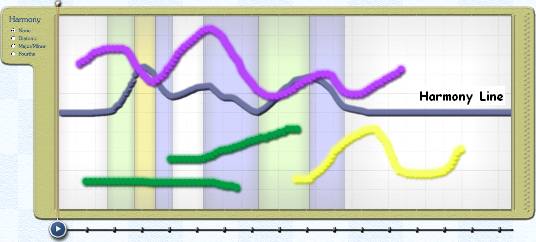
Clicking on the Harmony Line will bring it into the foreground. As you bend the Harmony Line, colored regions will appear in the background that show where the Harmony Line has been used. Clicking on the background will bring the strokes back to the foreground.
The colored regions tell you what kind of effect the Harmony Line will create.
There are two
kinds of Harmony Line shapes or gestures
that may be used to control harmonic movement, each of which produces a
differently shaded background. The Harmony Line operates in two of the three
available harmonic modes. These are: