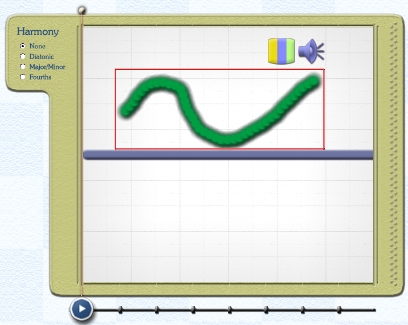
Moving Elements in the Sketch Window
Previous   Next

Strokes, Dots or Droplets may be easily moved around the Sketch Window. To move an element, first select it using the Arrow Tool.

It will become highlighted by a red box and you may then either drag it into the required position or use the left/right and up/down arrow keys for finer movements.

The left/right arrow keys will shift elements left or right by an eight note for each keystroke.

The up/down arrow keys will shift elements up or down in pitch by one half-step for each keystroke.

To select multiple elements, simply use the Arrow Tool to drag-select a group of strokes, dots or droplets.

For more precise multiple select of specific elements in a complex texture, use the Arrow Tool and Shift-click to select the required elements.

Back to Top


Previous   Next