Droplets
Selecting the Droplet Tool
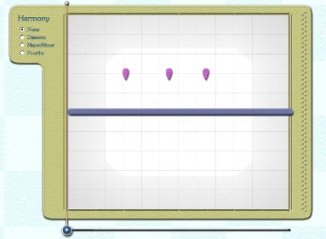
and clicking anywhere in the Sketch Window will place a Chord Droplet
directly in the window.
These
Droplets will sound a three-note chord rather then motivic material.
The kind of chord sounded by a droplet will depend on the color. The colors
and their respective chord types are:
-
Purple Major
-
Blue: Minor
-
Light Blue: Diminished
-
Dark Green: Augmented
-
Light Green: Fourths
-
Yellow: Major Seconds
-
Orange: Minor Seconds
-
Red: Diminished Fifths
Placing the Chord Droplet higher or lower in the Sketch
Window will change the pitch (root) of the chord, but not the type of chord
itself.
In 'None' (no harmony) mode,
the Chord Droplets will always sound as their respective types. In the other
harmonized modes, the notes of the Chord Droplets will shift to match the underlying
harmony.
Dots
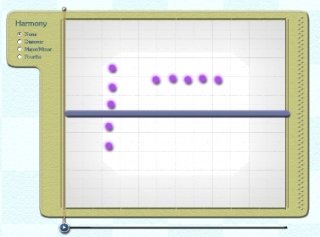
To place a Dot in the
Sketch Window,
simply use the Pen
Tool,
select any color and click in the Sketch Window without dragging. This will
place a Dot in the Sketch Window.
A
dot will not play the motivic material associated with the melody of
that color. Rather, it will play a single note, the pitch of which depends on
the horizontal placement of the Dot.