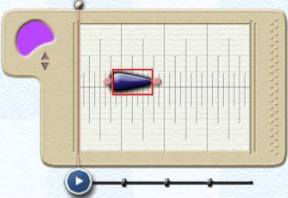
To place a note in a Melody
Window, click on the Droplet
Tool in the top left corner of the main window, then click
anywhere in a MelodyWindow. You will see a note appear in the window.
The note may be resized
by dragging the handles at either end.
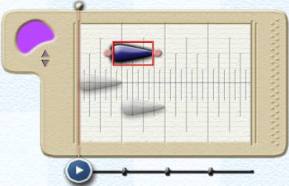
Melody Windows are monophonic– that is,
they only support a single melody line. If a note is placed on top of
or below another note, the notes it overlaps will appear greyed out.
On deselecting the new note, the underlying
notes will be overwritten.