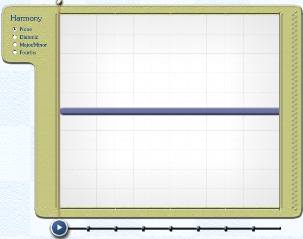
Alternatively, choose the Sketch Tool in the top right-hand corner of the main screen and click anywhere in the background canvas. You will see a new Sketch Window appear.
|
Create a Sketch Window |
Previous Next |
Alternatively, choose the Sketch Tool in the top right-hand corner of the main screen and click anywhere in the background canvas. You will see a new Sketch Window appear.