 |
|||||||||||||||
| How Hyperscore Works | |||||||||||||||
| Composing
in Hyperscore is easy. Just take a pen and draw your music!
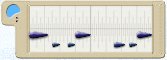
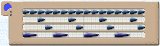
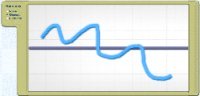
Here's how. Hyperscore has three types of windows:
Melody and Percussion Windows are color-coded. Take a pen, choose a color and draw in the Sketch Window. When you play your music in the Sketch Window, each line will sound like the music contained in the Melody or Percussion Window with the same color. Once you have drawn some lines, you can use Hyperscore's powerful harmony
function to make your music sound better. |
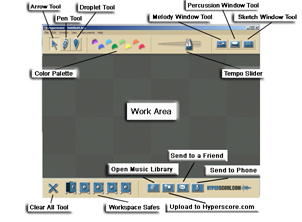
Click for labelled image of Hyperscore workspace
|
||||||||||||||
| Previous Next | |||||||||||||||
| |