 |
|||||||||
| Making Your Own Melodies | |||||||||
To make a new blank Melody Window, click the Melody Window Tool.
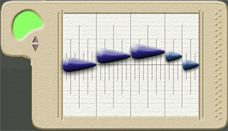
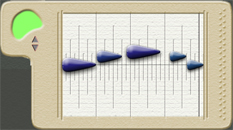
Click anywhere in the workspace, and a blank Melody Window will appear. To make a new blank Percussion Window, click the Percussion Window Tool.
Click anywhere in the workspace, and a blank Percussion Window will appear. To drop notes into the window, choose the Droplet Tool.
Click anywhere in the Melody or Percussion Window to place a note. Make the window longer or shorter by dragging on the right-hand side. Drag notes to where you want them using the Arrow Tool. Make them longer or shorter by dragging on the handles at either end of the select box. Select an instrument sound for
the motive from the Instruments Menu. (When you first draw
the motive in the Sketch Window, it will have this sound, but you can
change the sound of the line later.) |
|
||||||||
| Previous Next | |||||||||
| |