 |
|||||||||
| Making a Backbeat | |||||||||
| In order to create
a backbeat for your piece you will need to make both Bass and
Drum tracks.
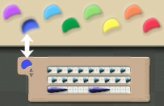
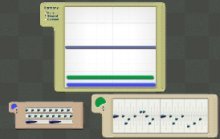
The windows for the bass and drum tracks are placed underneath the Sketch Window in the Music Collections. To make a Drum Track, choose the Pen Tool and select the same color as the percussion track from the color palette.
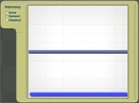
Then draw a line from left to right in the Sketch Window.
To make a Bass Track, this time select the same color as the bass tarck and draw another line from left to right.
To hear the bass melody exactly, draw a flat line. To make it go up or down, draw a contoured line. OK, now you've made a backbeat you can get
on with making your ringtone. |
|
||||||||
| Previous Next | |||||||||
| |